
Create an exam, share a code, and let students join from any device on the network you allow. Questions are dealt at random, cheating is caught live, and every paper is auto-graded with difficulty-adjusted scoring.
Exams served since launch
Students examined end to end
No installs for students, no accounts to hand out, no external services touching your question pool.
Write questions inline or paste them in bulk. Mix single-choice, multi-choice and free text, tag topics, set marks, attach figures.
Lock joining to the exam room’s network, or open it to anyone with the link — then send students the code. They enter a name and start.
Follow the roster live as answers land and alerts fire. On submit, marks are computed instantly and export to CSV.
Purpose-built for classroom and lab settings — right down to the last flaky Wi-Fi drop.
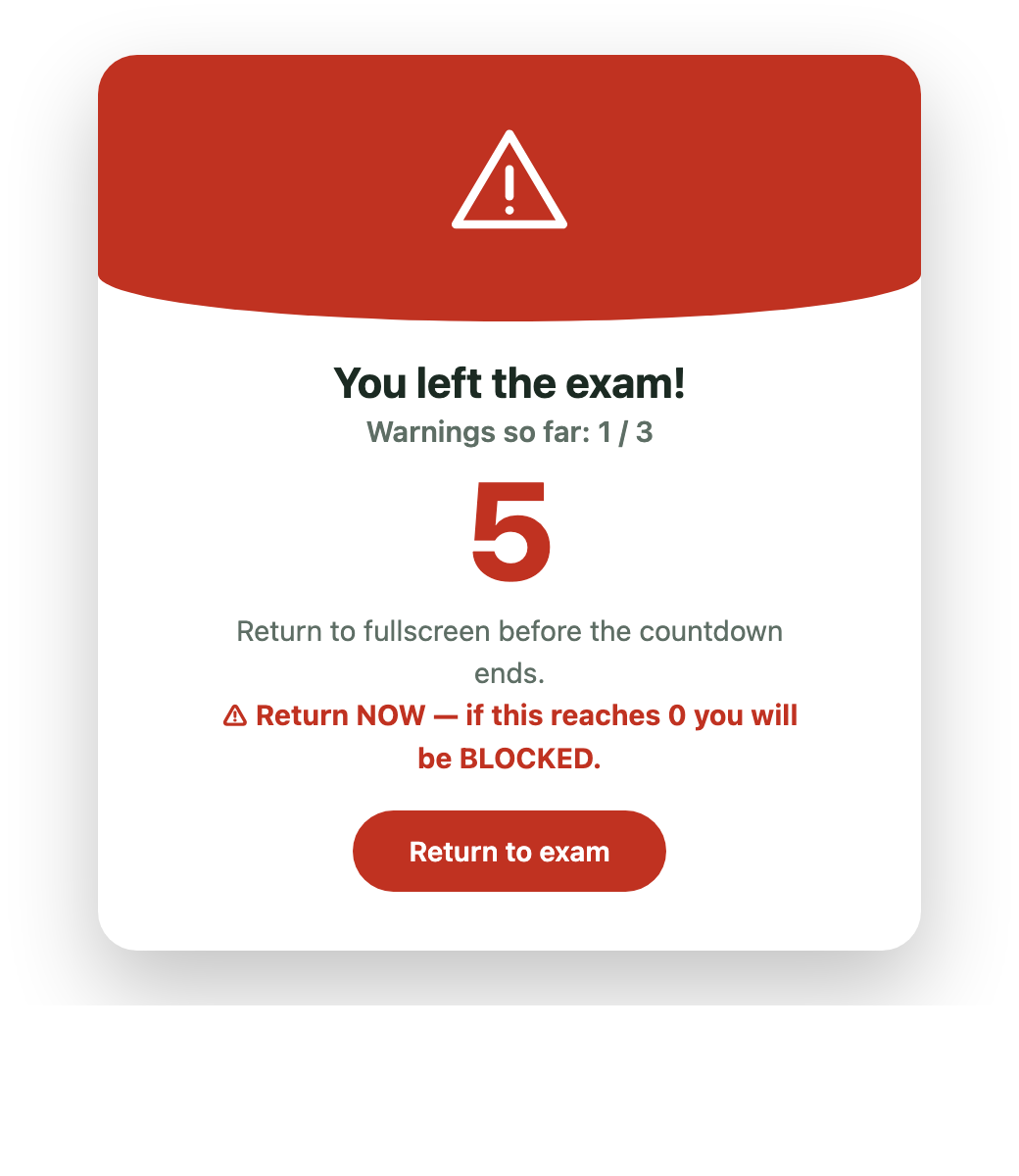
Fullscreen lock, tab-switch and focus detection. Leave the exam and a countdown starts; three strikes blocks you, enforced server-side rather than in the browser.
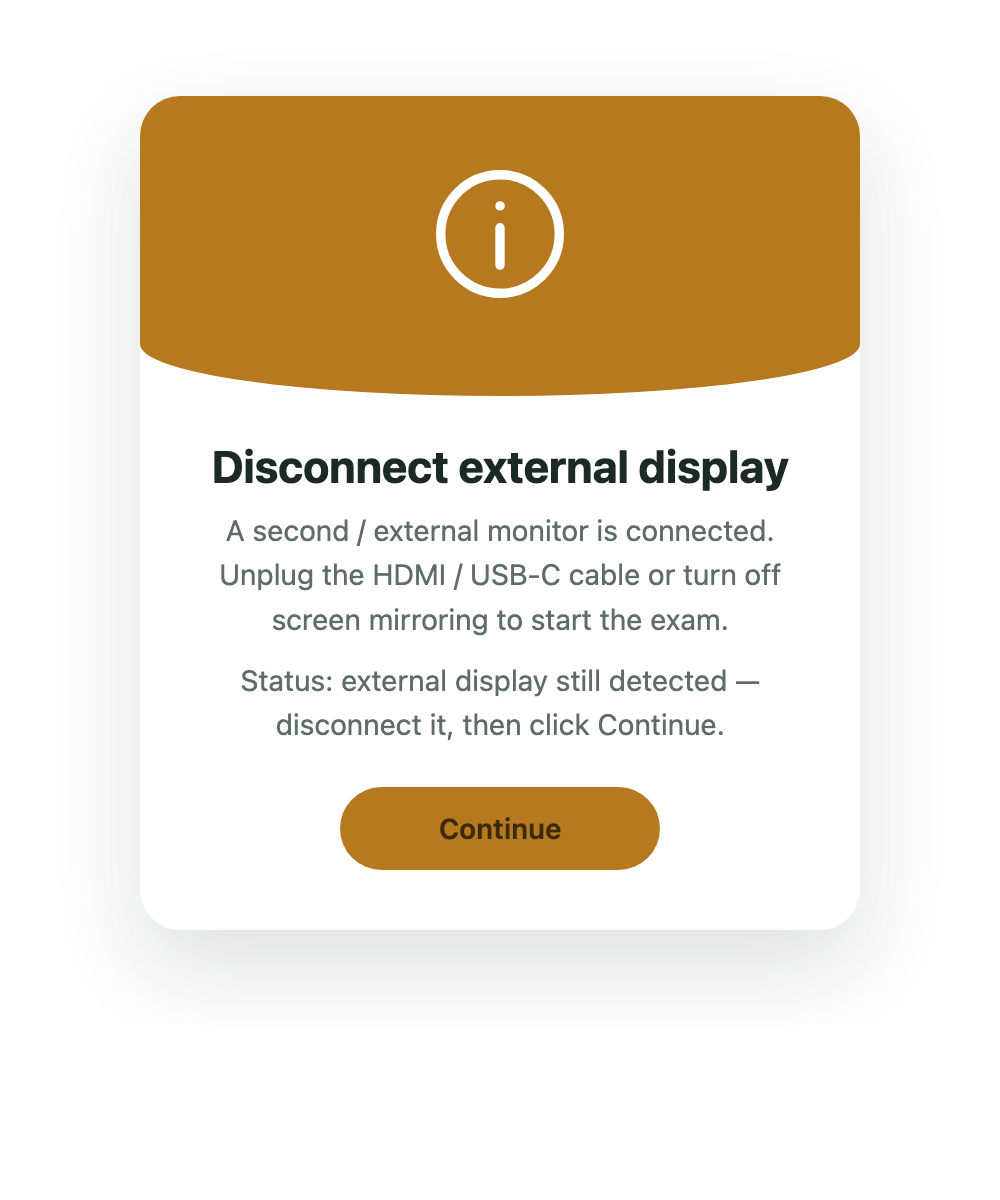
An external monitor is caught before and during the exam — students unplug it to start, and connecting one mid-exam raises a warning.
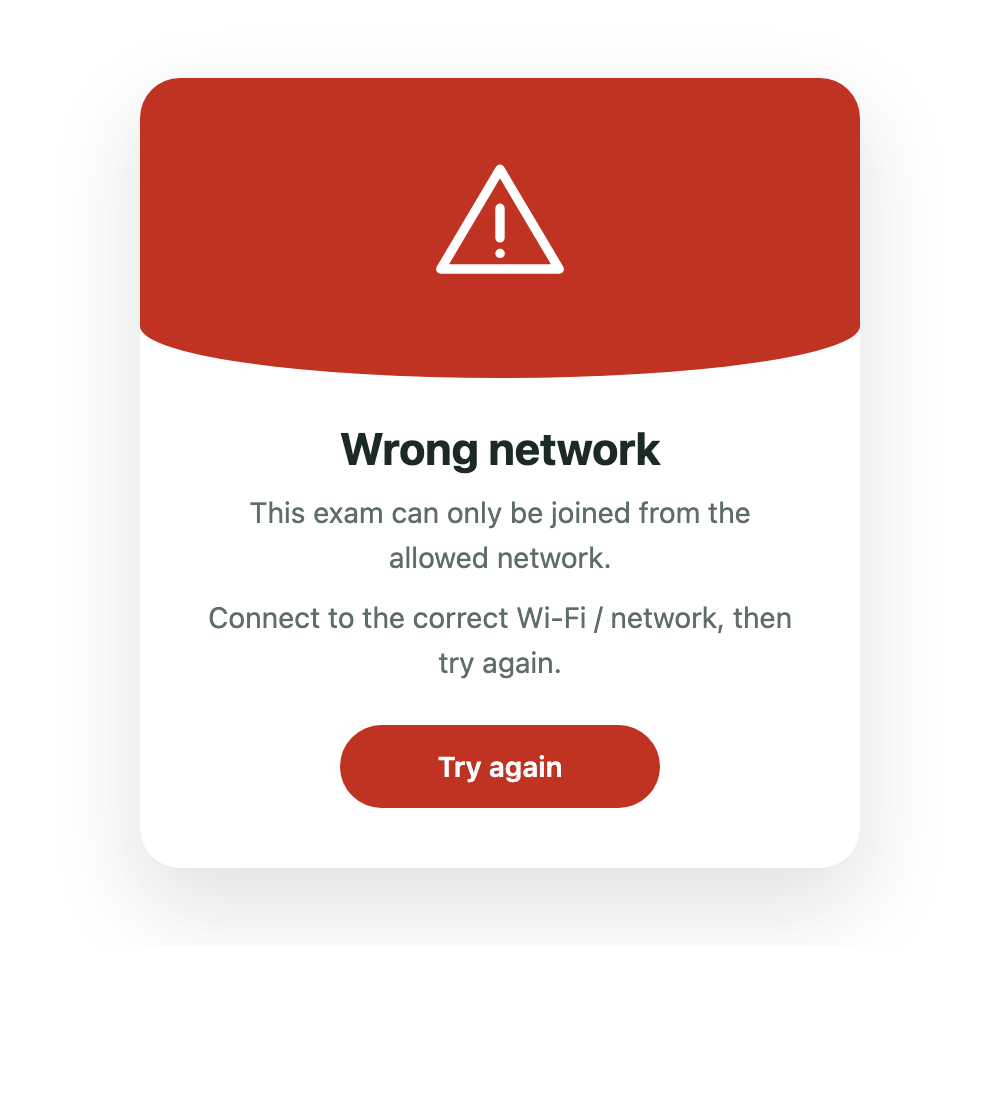
Restrict joining to the exam room's network by IP or range, or open it to anyone with the link — chosen per exam. Off-network devices are turned away.
Difficulty-compensated final marks are computed the moment a paper lands and shown on submit, then exported to CSV alongside a per-question analysis.
Each student draws a balanced subset from your pool, with optional questions given to everyone so scores stay comparable.
Single-choice, multiple-choice and free-text answers graded by pattern — mixed freely within one exam.
Limit entry by registration number with patterns or an allow-list, plus automatic duplicate-entry protection.
Add or remove minutes while an exam runs. Every student's countdown updates instantly, in sync.
Write questions in a plain text format, then paste or upload a .txt to build or replace the whole pool at once.
Attach an image or chart to any question — students see the figure inline as they answer.
Teachers can present structured text, tables, code, scientific notation and figures clearly inside a question.
Answers autosave and the session survives refreshes, crashes and power loss. Students resume exactly where they left off.
New arrivals after the start wait in a teacher-controlled queue. Approve one or all without giving back elapsed time.
Each attempt is bound to one browser profile and one live socket, preventing parallel tabs, browsers or devices.
A teacher can revoke a failed phone and authorize a replacement laptop while preserving server-autosaved answers.
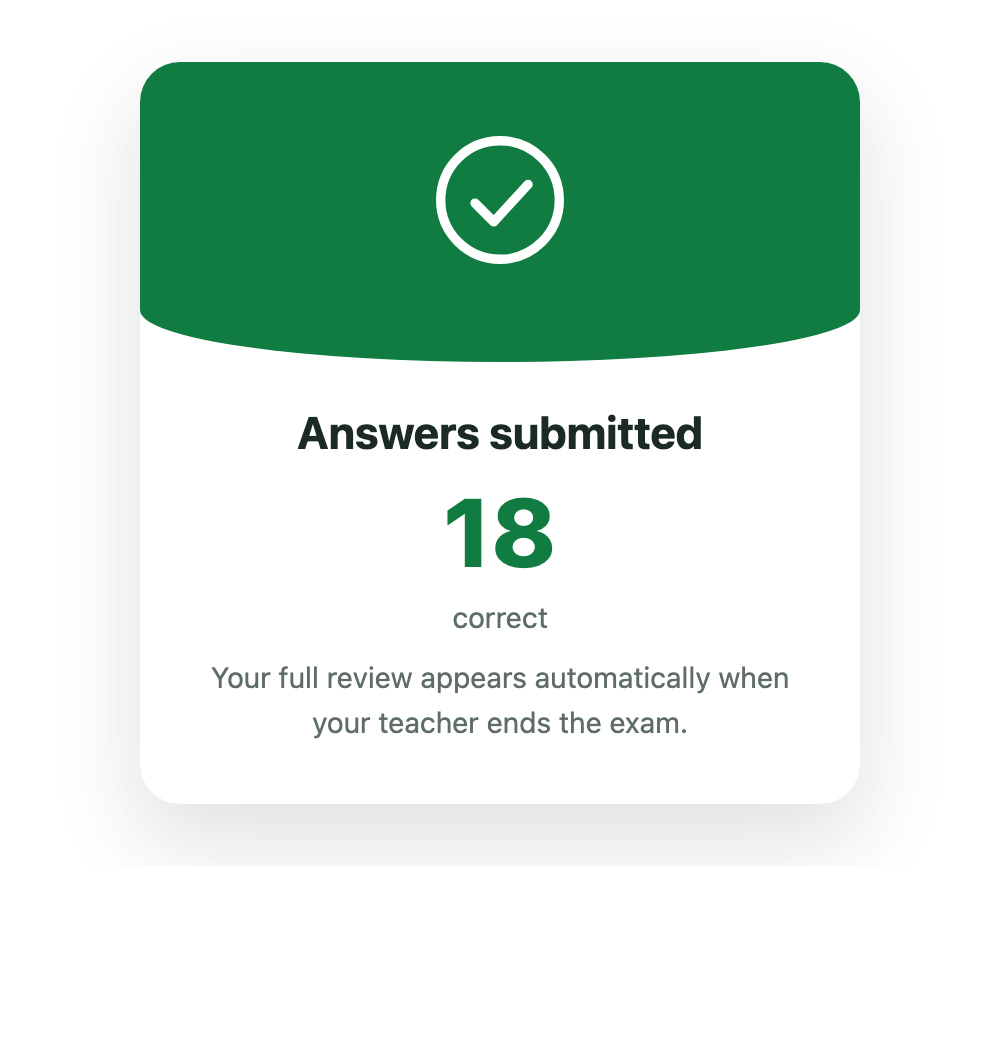
Submitted students see only their count while live; after the teacher ends the exam, the accepted tab gets a one-time review of its assigned paper until that page closes.
Real interface states and an original system illustration make the rules visible before the room goes live.
Set it up in minutes on the machine you already have. No accounts for students, no external servers, nothing to install.