01
Taking an exam?
Read joining, device, fullscreen, reconnection, submission and result-review rules without seeing how questions are prepared.
Open the student guide →A plain-language tour of every major QuizCast capability, focused entirely on what the system does, what each state looks like, and why it matters.
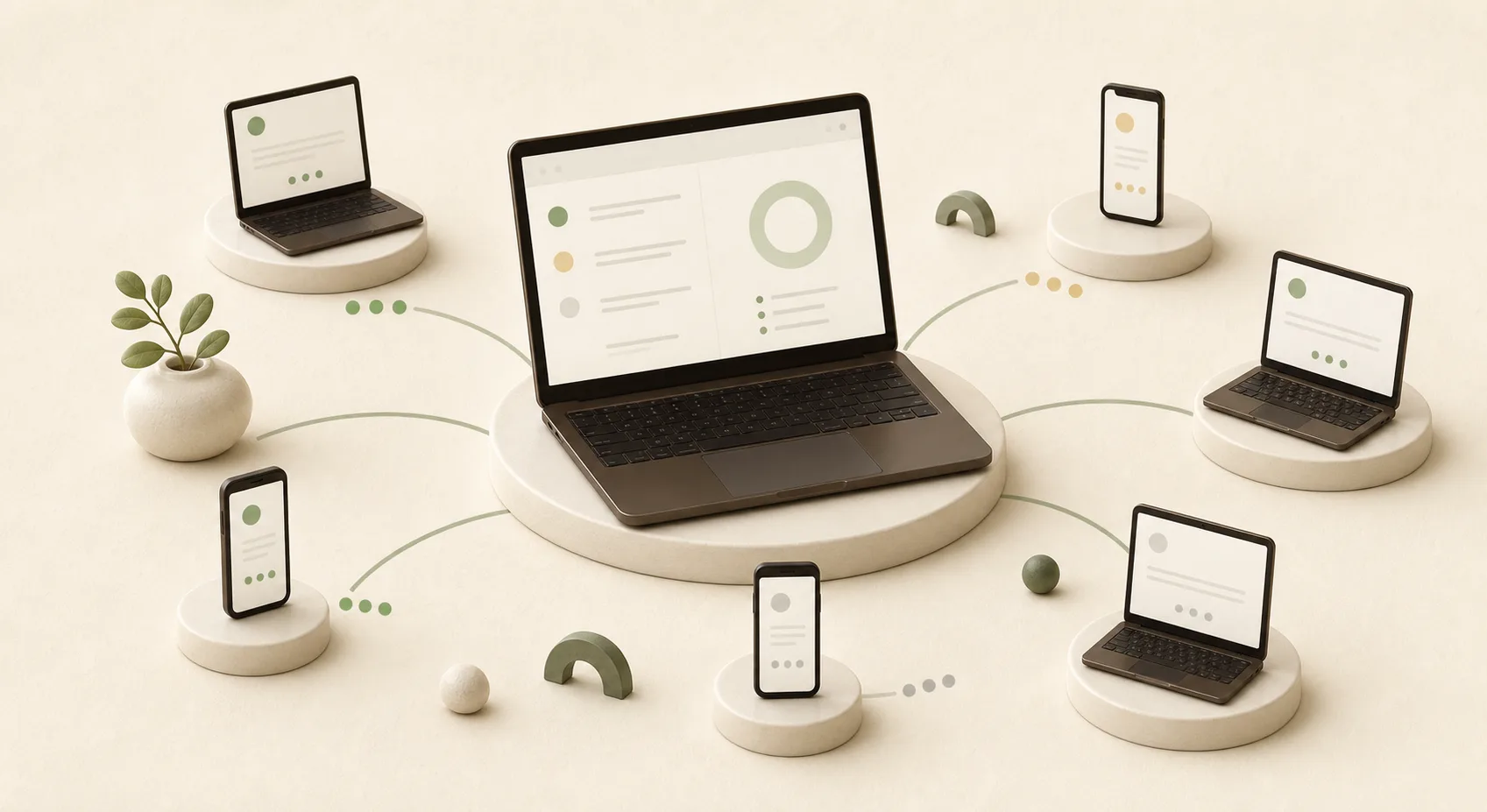
Public visitors see product capabilities. Students receive only the rules they must follow. Teacher operations and question authoring stay inside the teacher path.
Read joining, device, fullscreen, reconnection, submission and result-review rules without seeing how questions are prepared.
Open the student guide →The operational handbook and the full question-authoring reference — setup, live control, bulk import syntax, Markdown and maths. No sign-in needed to read it.
Open the teacher guide →Real product screens are used where available. The remaining cards reproduce the same controls and status language as the live interface so visitors can understand the workflow at a glance.
New identities arriving after the start wait in an approval queue. Duplicate registration numbers are refused, and approval never restores elapsed time.
One server deadline updates every connected student, including late joiners.
The teacher can add or remove time once; every student receives the same revised deadline.
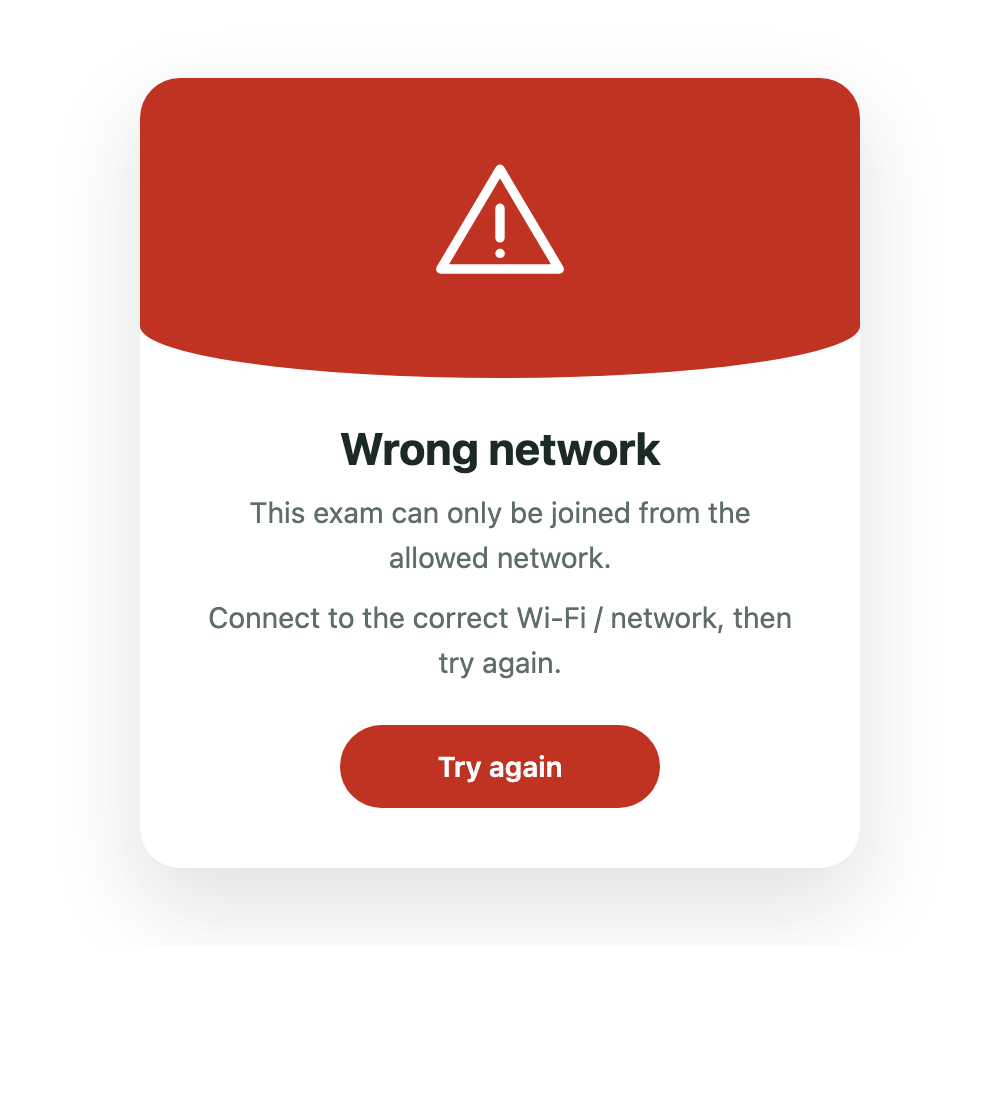
Off-network devices are stopped before the exam form opens, with a clear instruction to connect to the permitted network.
An attempt is recovered with the exact identity and remains bound to one browser profile and one active connection during the live exam.
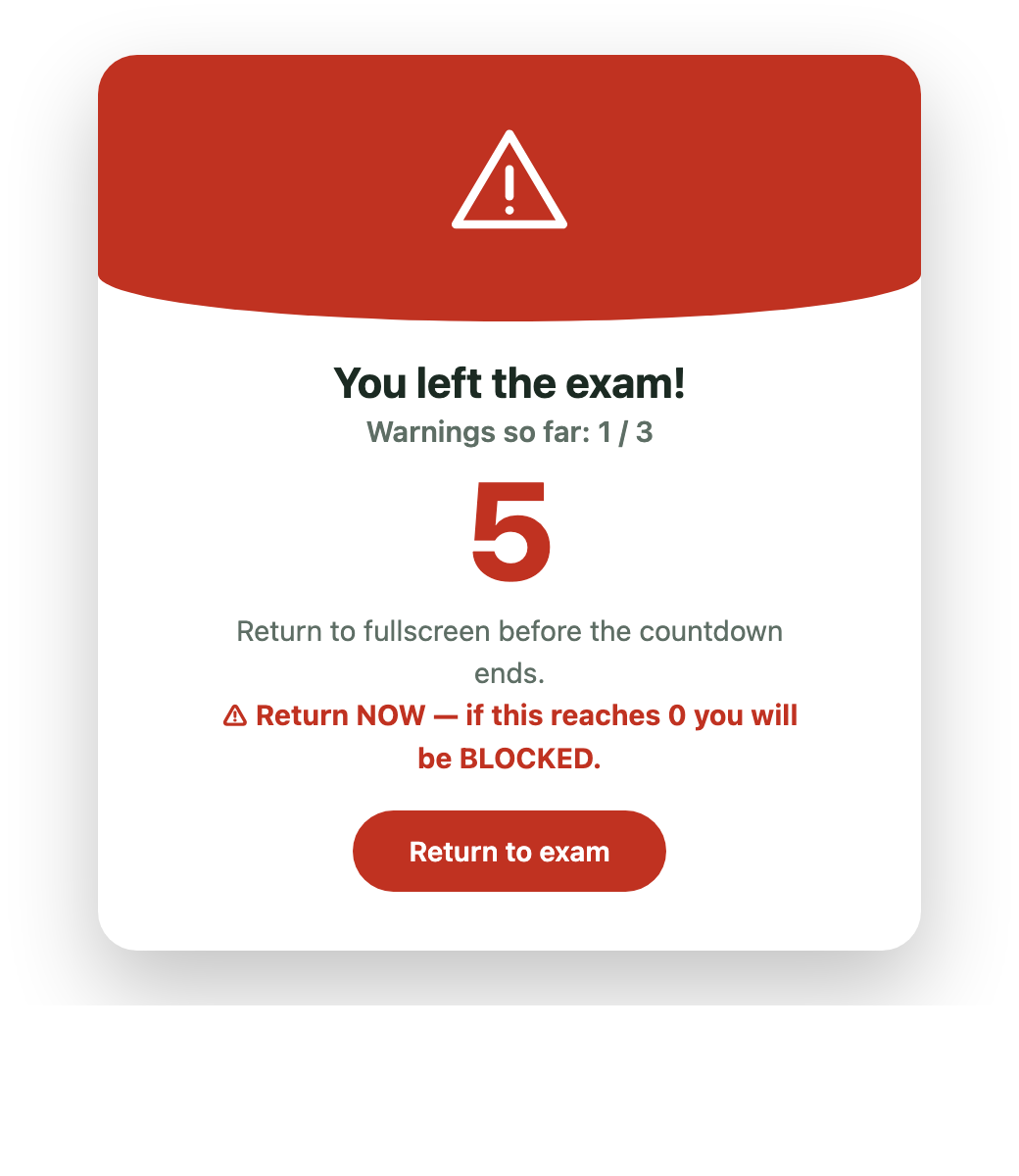
Leaving fullscreen or the exam page produces an unmistakable warning and return countdown. Refreshing does not erase server-recorded warnings.
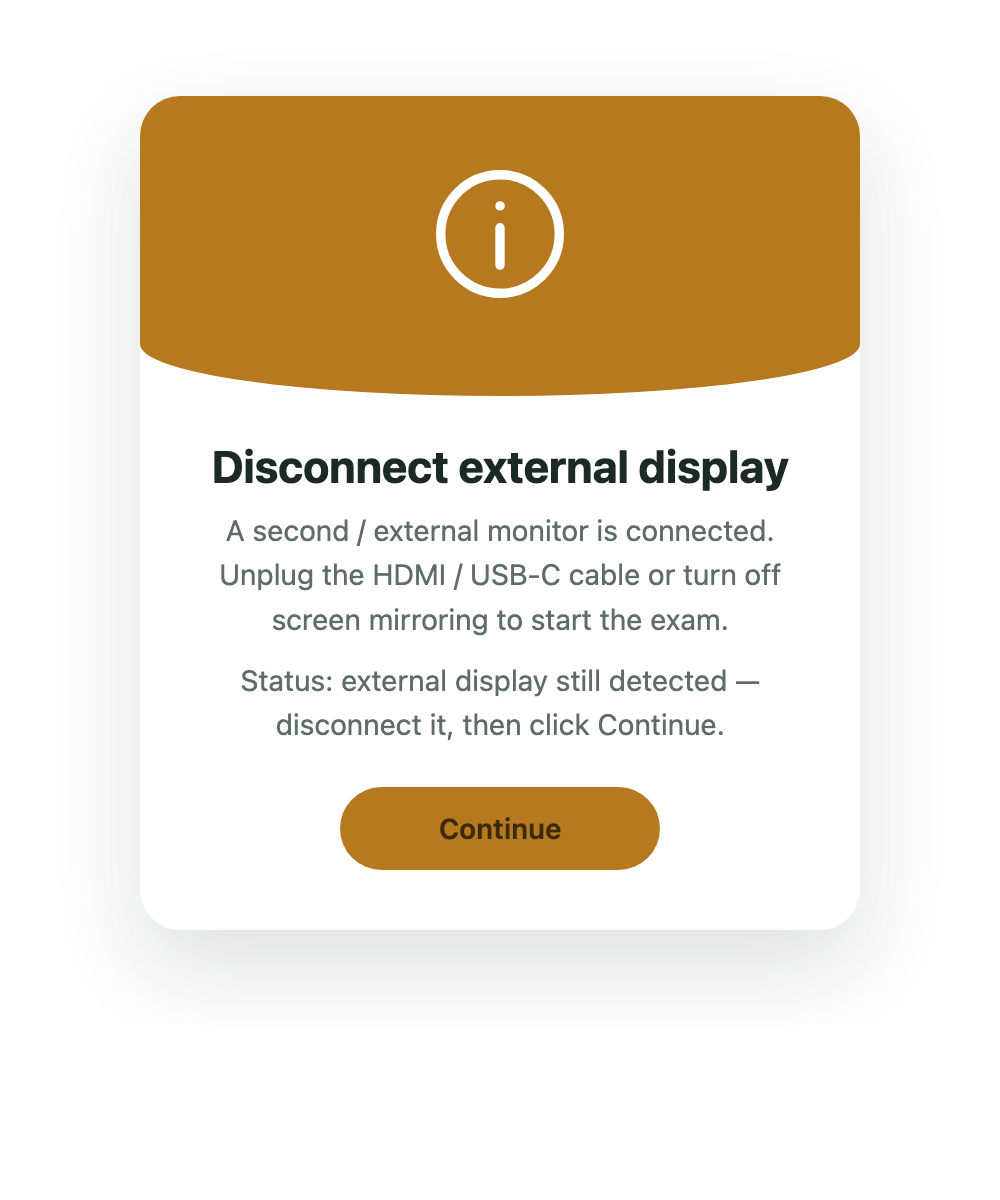
Supported desktop browsers check for another display before and during the exam.
Three recorded warnings—or a serious mobile-away event—locks the attempt. Only the teacher can restore access.
Blocking is enforced by the server, not merely hidden in the page, so closing or refreshing cannot bypass it.
Terminal disqualification is visually distinct. A failed device can be revoked and replaced by the teacher without compensating the shared timer.
The existing accepted session remains active. Close the other browser or ask the teacher for supervised device recovery.
A second tab, another browser profile, or a separate device cannot silently displace the student already taking the exam.
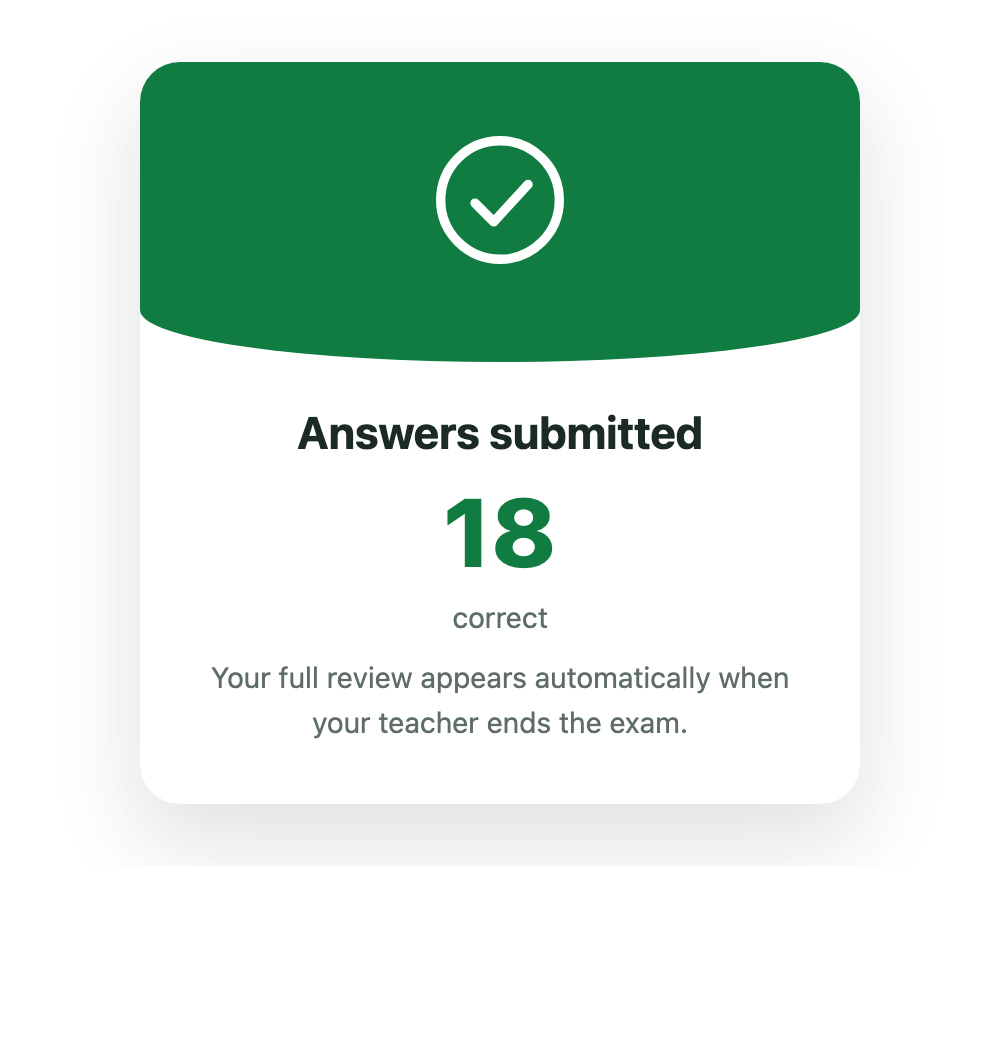
While the room is live, a submitted student sees the correct-answer count but not the questions or answer key.
When the teacher ends the exam, the existing student tab can review and download only its assigned paper until that page closes or refreshes. Credentials cannot reopen an ended exam.
Saved answers survive refreshes and short failures. A long disconnect can still create a warning, and the centralized timer continues.